

Tonight I stood in my kitchen and said, “Hey Jarvis, turn off the outside, backyard lights.” The lights went off. I repeated the same trigger words with “ON,” and they came back on.
It doesn’t sound like much. But it’s a big deal, because all the computational processing involved in these IoT (Internet of Things) / smart home actions ran LOCALLY in my house, on a Linux Raspberry Pi I configured last night and this evening with a $13 ATOM Echo connected to my Home Assistant Green. No Google or Amazon technologies or cloud services were used in these interactions. It’s the newest step in a journey toward a RESILIENT and PRIVACY-respecting smart home I’ve been working on for several years now. In this article I’ll share some of my steps, purchases, and lessons learned.
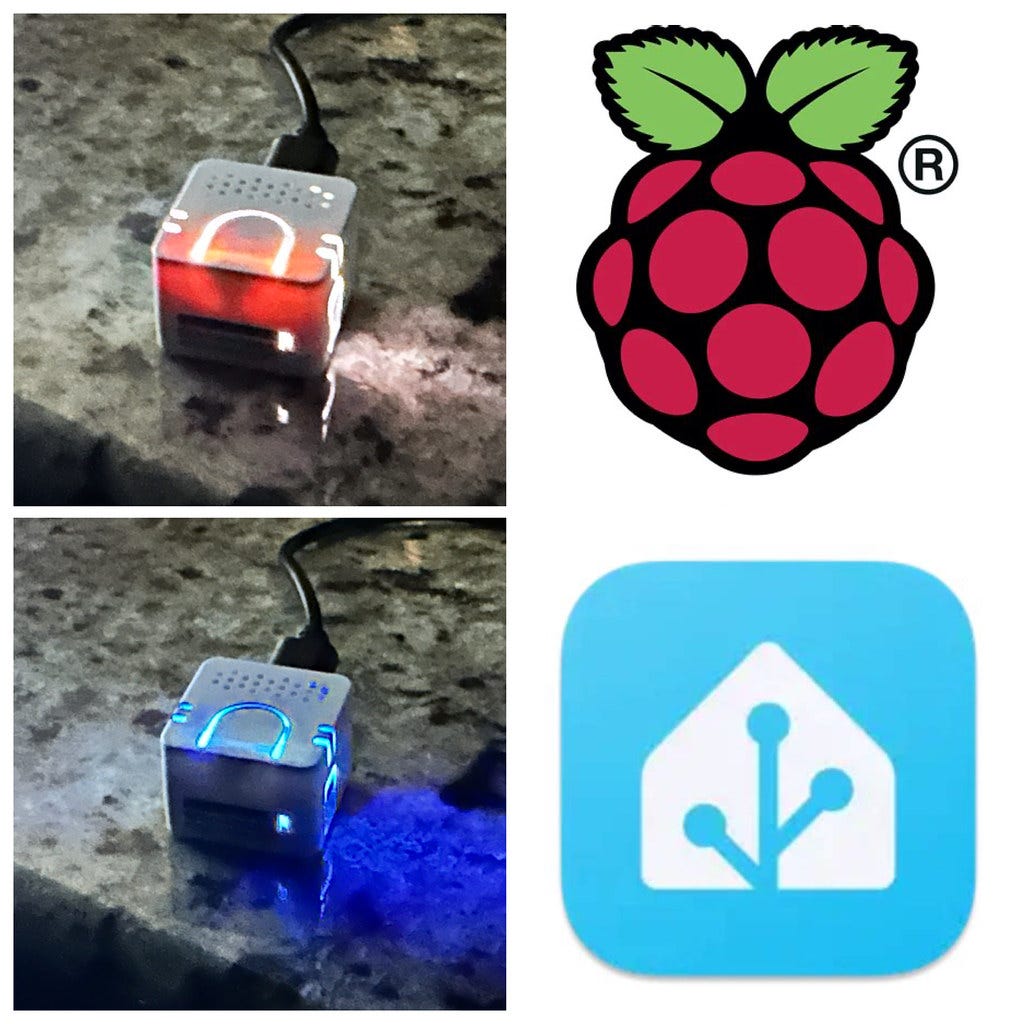
The journey so far
I’ve been working on different aspects of our “smart home” since at least 2009 when we lived in Oklahoma City. This past summer I collected my blog posts and videos about IoT and smart home integrations on smarthome.wesfryer.com, where I’m also linking this article.
I first learned about the DIY, open source “Home Assistant” project from my podcasting colleague, Jason Neiffer, in our November 4, 2024 EdTech Situation Room podcast, which was our 339th episode together.
In August 2025 I made a video about moving away from the Google ecosystem toward a smart home that is private, doesn’t depend on the Internet, and can keep working through a storm or a power outage. I had over 30 devices to migrate, and that migration continues today. I started with a Home Assistant Green and a few Zigbee light bulbs:
In January 2026 our fiber modem died while we were out of town for more than a week. The porch lights still came on at sunset and off at sunrise, because Home Assistant and my Zigbee devices don’t need the Internet. My Wi-Fi bulbs and my Google voice commands did not work, however, when we got back home. That was my lesson in redundancy:
In February I connected a Zigbee smart plug to a battery-powered weather radio. In the video created about my setup, I mentioned something I couldn’t do yet: I didn’t have a smart speaker that was LOCAL ONLY and didn’t depend on the Google cloud. As of tonight, I finally do!
Step by step to a local voice assistant
The missing pieces were a tiny M5Stack Atom Voice, about $13, running Home Assistant’s open source voice software, and a separate Raspberry Pi computer running “faster-whisper” for Speech-to-text and “Piper” for text-to-speech.
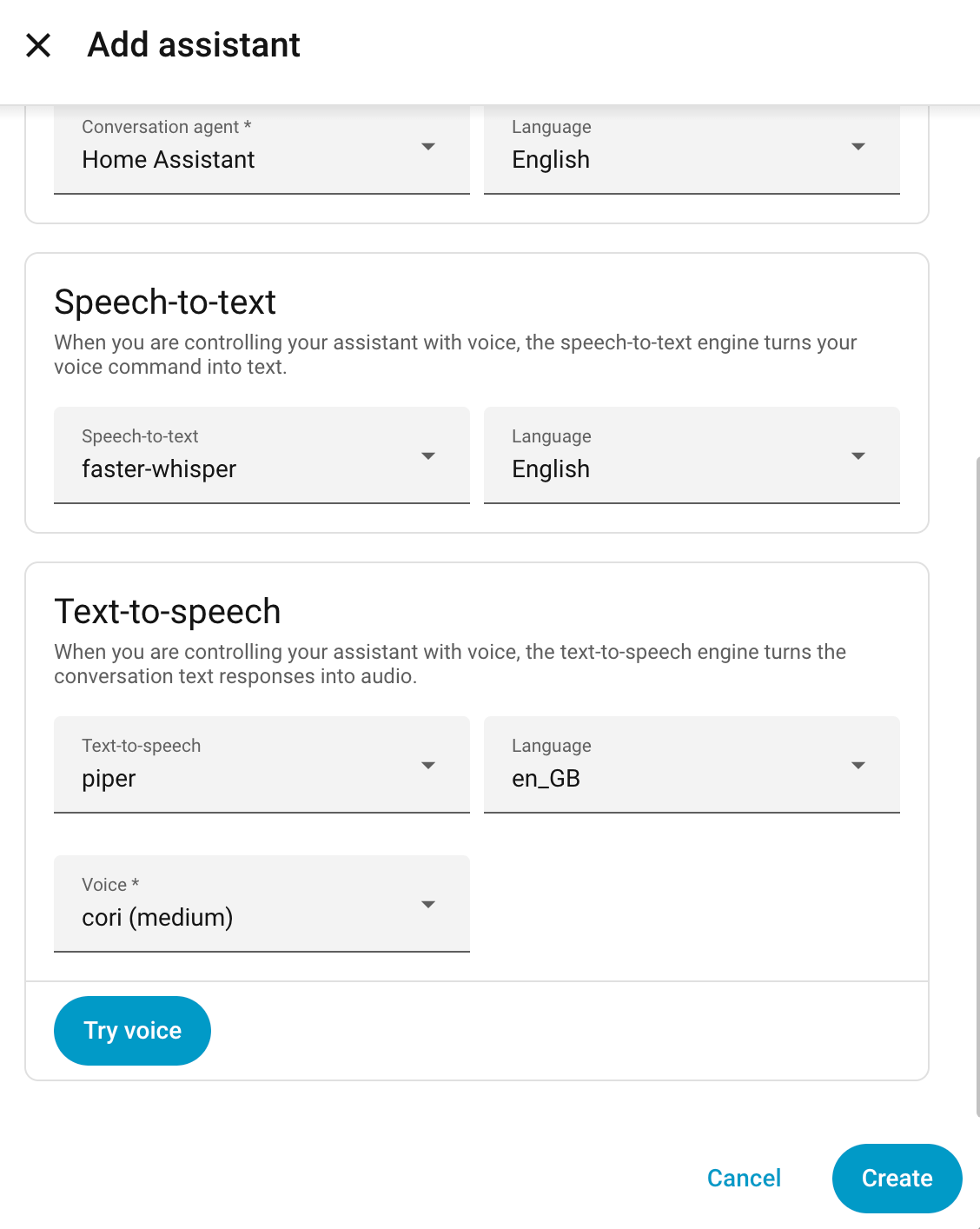
Home Assistant has a guide for this device, the Atom Echo, and I used it to flash the firmware and relatively quickly setup mine to work as a private, local voice assistant.
A Raspberry Pi 5 on my own network does the heavy lifting. Whisper (from OpenAI) turns my speech into text, and Piper turns the answer back into speech. When I say “Hey Jarvis,” the little speaker’s lights change color, my request goes to the Pi, and the answer comes back. It’s slower than our Google Home smart speakers, but it works, and it’s both LOCAL and PRIVATE. The Pi starter kit was $175 when I bought it, but it’s now $275, probably because RAM prices have gone up.
I worked with Claude AI and a special smart home / IoT Claude project I’ve configured with past articles I’ve written, transcripts of videos I’ve made, and AI conversations I’ve had about IoT setups. I initially tried setting up the Pi on WiFi, but it worked better over direct ethernet. I had to configure a DHCP reservation for it in my Google Home / Google Nest app. My computer couldn’t see the new device / the ATOM smart speaker until I stopped using a USB hub and plugged it into my personal laptop directly.
This process wasn’t fast or easy, but with AI assistance it’s possible. As I’ve noted many times in my reflections linked on ai.wesfryer.com, there is NO WAY I could use terminal commands / command line instructions without help from AI. All my background knowledge and experience with technology is important and beneficial: But without AI’s assistance, I just wouldn’t be able to build my smarthome in they way I’ve done it and continue to build it.
What doesn’t work yet
Jarvis can tell me the time, but not the outside or inside temperature, so I need to connect it to my sunroom weather sensor. Jarvis couldn’t turn off our kitchen sink light, so I had to ask Google, which tells me my device names need work. I also haven’t tested it with the Internet literally unplugged. That’s the real test.
My goal is a smart home that protects our privacy, runs on local AI models instead of big tech’s cloud, and keeps working in a grid-down or Internet-down situation, with the devices I choose to power via batteries or our generator. I’m taking it one step at a time. I created a “Smart Home Punch List” in my Claude Project, which I’ll use (as I did with my multi-month project to migrate my websites to a new web host) in the weeks and months ahead.
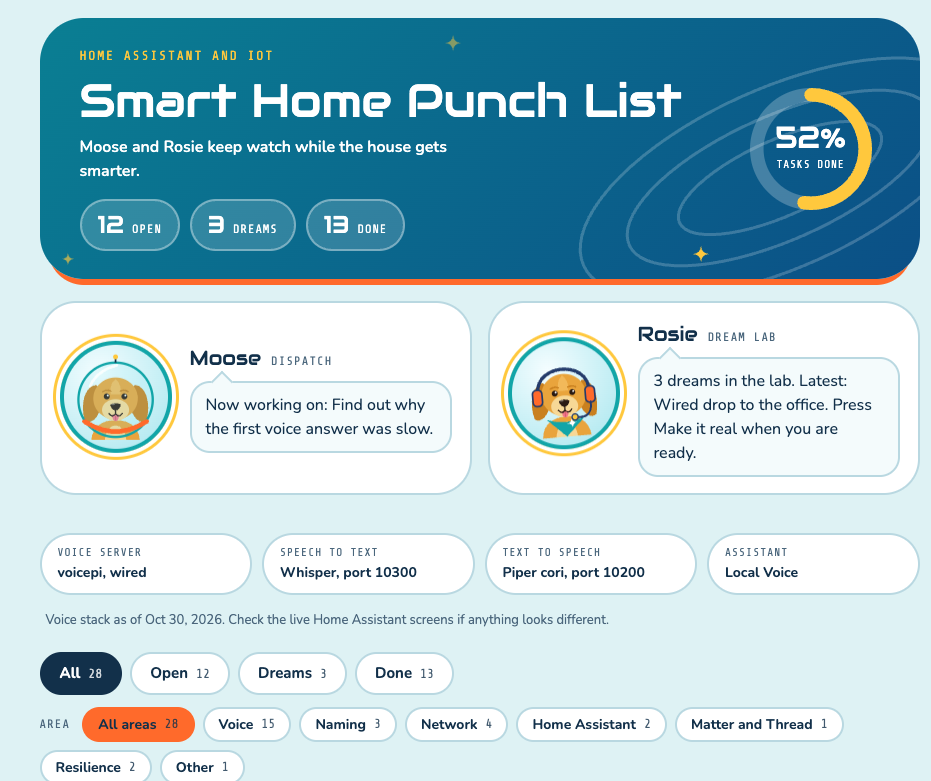
Learn more about my journey building a smart home and using AI on smarthome.wesfryer.com and ai.wesfryer.com. Some of these themes and ideas also connect with my “Communitarian Prepper” project, which you can find on commprep.wesfryer.com.
AI Attribution: I used Claude AI to create an initial draft of this article, but then I made a TON of manual edits and changes to it before publishing.
More ways to learn and connect with me (Wes Fryer) are on wesfryer.com and wesfryer.com/after.