
Minecraft MakeCode Javascript Workaround
A story from my middle school coding class

We’re wrapping up our Coding Mars / Minecraft Mars unit in my middle school computer programming class. It’s one of my favorite units. Students have been programming “agents” (which function like “robots” in Minecraft Education) to mine resources, farm, and build structures in a Mars-themed world. It’s hands-on, it’s creative, and it’s been particularly exciting to do this semester as we watched the successful NASA Artemis II mission unfold.
As we were working through the mining portion of the unit this week, students ran into a wall — not a Minecraft wall, but a coding one.
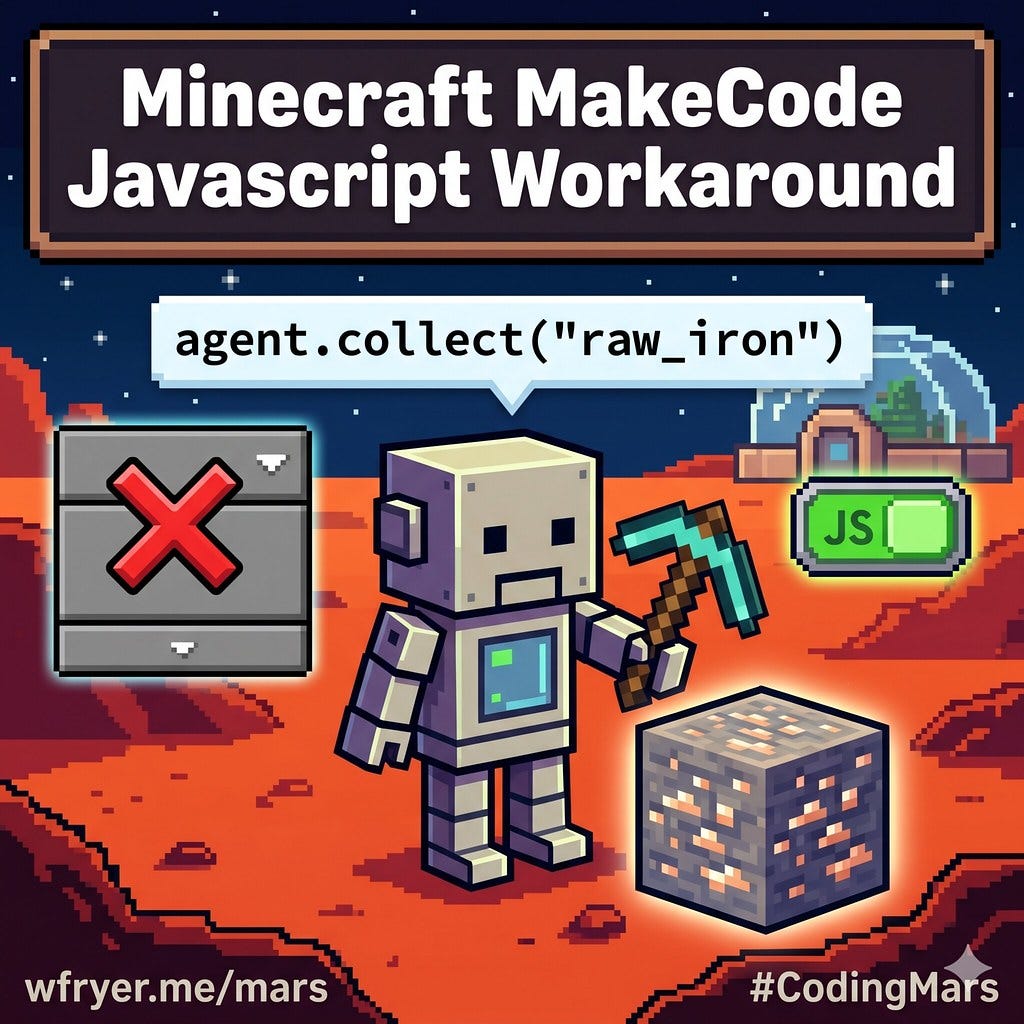
The Problem: Raw Iron Isn’t in the Dropdown
When the agent destroys an iron ore block in current versions of Minecraft Education, what drops on the ground isn’t “iron ore” — it’s raw iron. That’s been the case since the Caves & Cliffs update (v1.17). Students could see the raw iron sitting there. The agent was picking it up using the “Collect All” block command. But when they tried to use the agent collect block in MakeCode and searched the dropdown for “raw iron”… it wasn’t there. Only “iron ingot” and “iron block” appeared as options.
It turns out the MakeCode visual block palette hasn’t been fully updated to include items introduced in newer versions of the game. Raw iron exists in the world. The agent can collect it. But the block editor doesn’t know it exists yet. This is a documented gap that hasn’t been addressed / fixed yet by the MinecraftEDU developers.
The Fix: Switch to JavaScript and Use the Item’s String Name
I learned in a past semester from students who chose to code their assignments and projects in JAVASCRIPT within Minecraft Makecode that scripting offers more options than block code… And students can readily toggle back and forth between code views.
Every block and item in Minecraft has an internal code name. When the visual dropdown doesn’t list what you need, you can reference items directly by their string name in JavaScript. Instead of picking from a menu, you just type it. According to the MakeCode block-by-name reference, all blocks and items in the game have a code name associated with them that you can use directly in code.
So instead of hunting through a dropdown that doesn’t have what they need, students switch to JavaScript view at the top of MakeCode and write:
javascript
agent.collect("raw_iron")That’s the whole fix. One line. The agent collects the raw iron that the block editor couldn’t even see.
To try this in your own class: click the JavaScript toggle at the top of the MakeCode editor, find your agent collect block in the code, and replace the item reference with "raw_iron" as a string.
Please Use My Coding Mars Unit
If you’re running a similar mining unit and your students run into this or a similar issue, hopefully our experiences can help. And if you haven’t tried the Minecraft Mars lesson yet, please check it out! I’ve been teaching this unit and sharing about it for four years now, and it just keeps getting better!
AI Attribution: I used Claude AI (by Anthropic) to help draft this post based on notes from our classroom experience, and edited it before publishing.