

My Computer Programming middle school students started building “Spooky Scratch Stories” this week, which are animated Halloween tales with sprites, sounds, glides, and changing backgrounds. Tony Vincent inspired this project back in 2022. As my students this year got started with their projects, I wanted them to do something that is generally difficult for a typical middle schooler in 2026: Sit with a classmate, share their work, and give each other thoughtful feedback out loud.
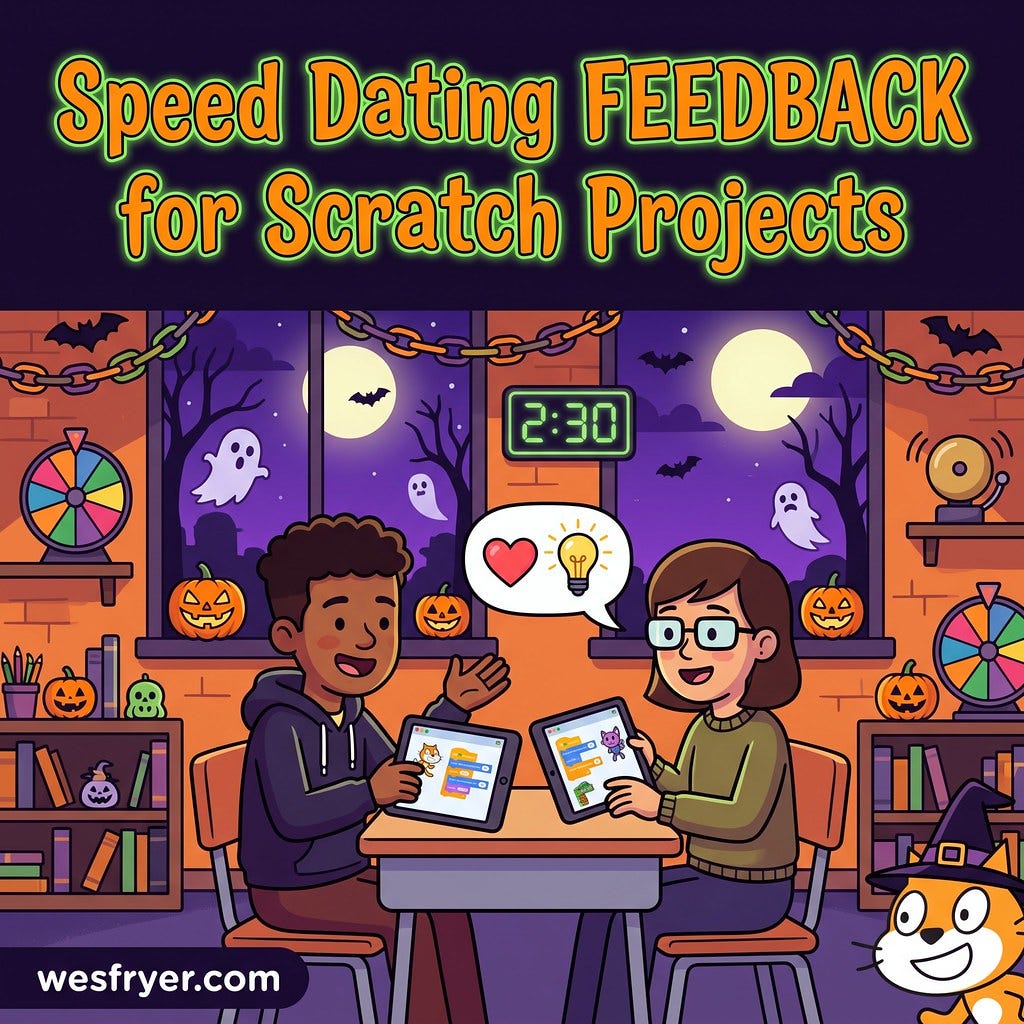
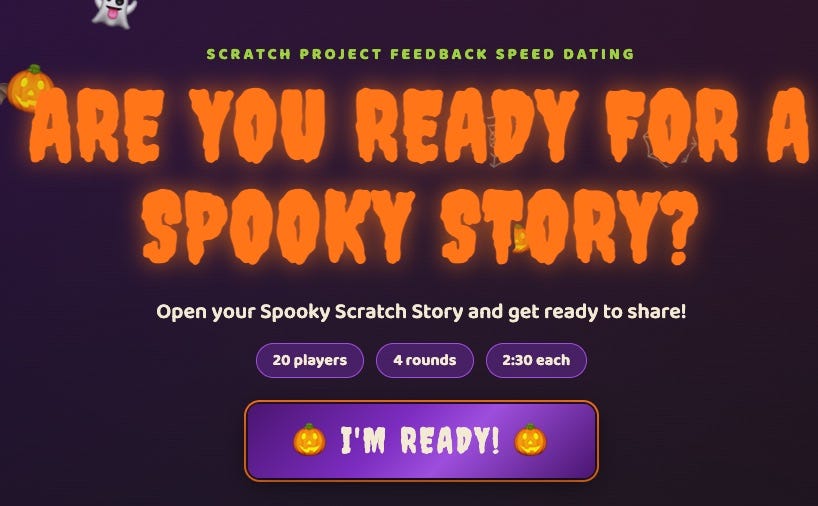
To facilitate this feedback process, I created a simple, 1 page HTML code project: Scratch Project Feedback Speed Dating: Spooky Story! (See the project in action using this link!) There are four rounds, with a new partner every round. In each pair, one student is the 🧙 Sprite Sorcerer, who shares their project. The other is the 👻 Script Whisperer, who plays it and whispers back a favorite part and one suggestion. Students get 30 seconds to find their partner and two minutes to share. Then a bell tolls and it is time for a new match.
Why in-person practice matters
My students can (and do) leave comments on classmate Scratch projects online. But typing a comment is a different skill than looking a classmate in the eye and saying, “My favorite part was...” and then, “One idea that might make it even better is...” Giving specific, kind, honest feedback is a conversational skill. So is listening without getting defensive, and so is receiving a suggestion graciously. Skills take practice, and middle school is the perfect time to practice them: Low stakes, face to face, over and over. Screens are great for building projects, but the feedback conversation is a human skill.
Why I needed software
I could not have facilitated this activity as efficiently without a software tool. The rules sound simple: No one works with the same partner twice, and everyone gets to share their own project twice. (This is explained in detail on the GitHub project README file.) But with one student absent, I had 15 students, and the math did not work. Four rounds only gave 28 sharing slots, and 30 were needed. So my web app lets teachers add a “guest partner” to even out the count. Today I joined in as the 16th player and everyone shared exactly twice.
The project I shared with students today dates back to 2010, “Thriller at CrackAxle Canyon.” You can view LOTS of example student projects as REMIXES of my original template Scratch project.
In addition to spinning “Wheel of Names” style spinners, the web app revealed all the pairings for the whole class at once, ran the countdown, rang the bell, and kept a record of every matchup for a Learning Journal reflection later. I did not have students write that reflection today, but next time we do this activity, I will.
Vibe coded, and free to use
I vibe coded this with Claude, starting from a spinner I had built for the same project. It is a single HTML file with no accounts and no installs, and nothing leaves the browser. Fork it, rename the roles, change the timer, and use it with your own class. It works for any project students can show on a screen.
Literally “give this project a spin” online!
Learn more and download the HTML file on GitHub
More AI vibe coding projects on my GitHub: https://github.com/wfryer/
More of my AI learning is shared on ai.wesfryer.com
More places I’m sharing: wesfryer.com/after
If you try this project and using this webpage app with your students, I would love to hear how it goes!
Happy Halloween coding, sharing, and collaborating with Scratch!
AI Attribution: I used Claude AI to initially draft this article, based on the README file of the web app. I edited it a bit before publishing. So Claude was my co-author here.
Even more: I’ve archived over 6000 blog posts and 400 podcasts on speedofcreativity.org. Use the drop down menus at the top to dive into the #edtech goodness!